
Quick install
Linux and Apple Silicon macOS
curl -fsSL https://github.com/RoderAI/roder/releases/download/latest/install.sh | bashInstall Roder, open it in a repo, and give it real work: inspect files, edit code, run commands, call providers, resume sessions, and expose the same runtime through a local app-server.
The installer downloads the latest release archive, verifies its SHA-256 checksum, and writes `roder` to `~/.local/bin` unless you override the destination.
Linux and Apple Silicon macOS
curl -fsSL https://github.com/RoderAI/roder/releases/download/latest/install.sh | bashRoder Homebrew tap
brew install RoderAI/tap/roderFor local development
git clone https://github.com/RoderAI/roder.git
cd roder
make installRoder is the local product surface for the Rust harness: terminal UI, one-shot automation, provider setup, saved sessions, and the embedded control plane.
Open Roder in a project and it attaches the run to that workspace, local config, tools, and saved thread state.
Start the terminal UI with `roder`, or run a one-shot task with `roder exec` when scripts, evals, or CI need plain output.
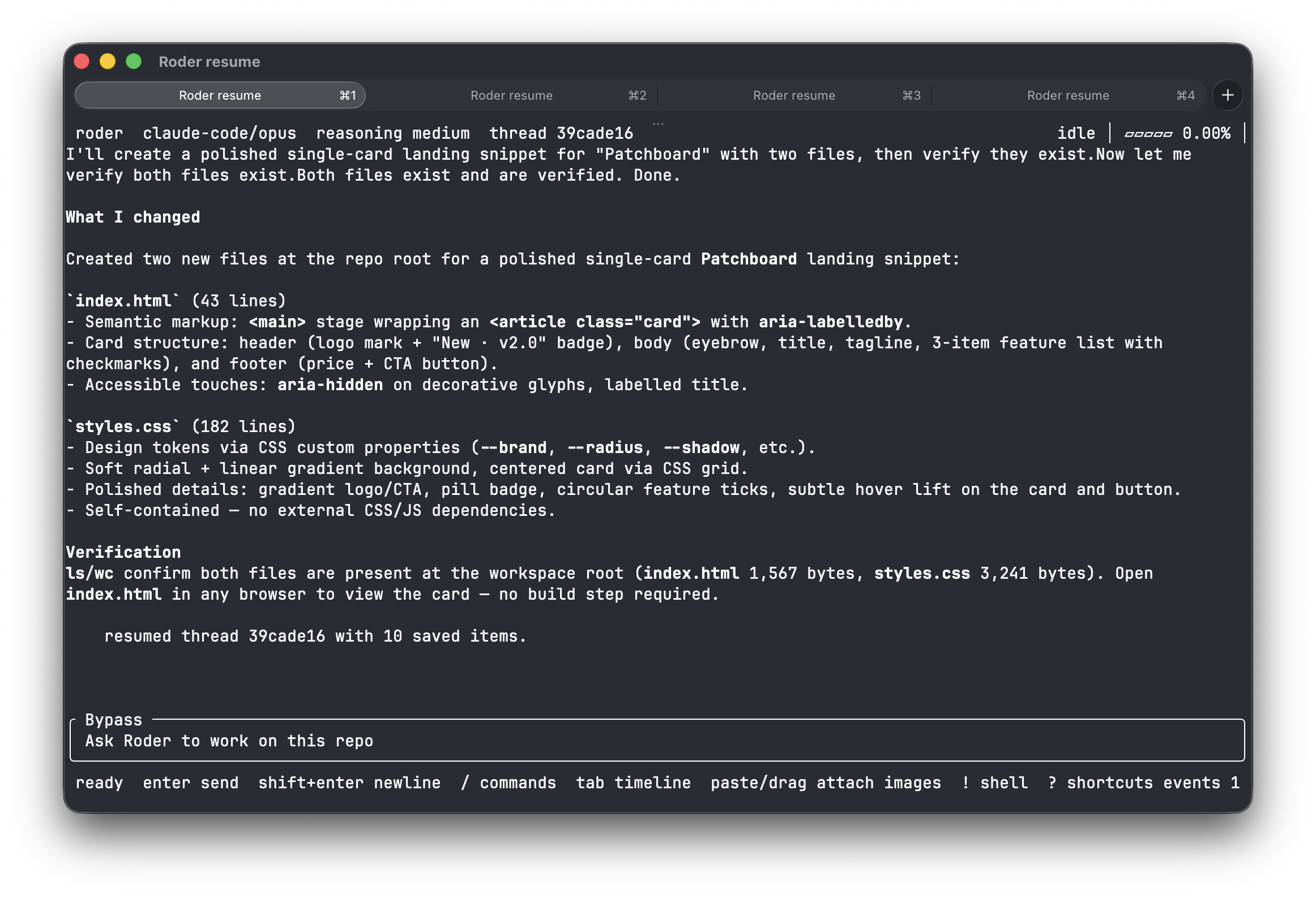
Threads are saved locally, including transcript items, workspace metadata, provider/model selection, and usage.
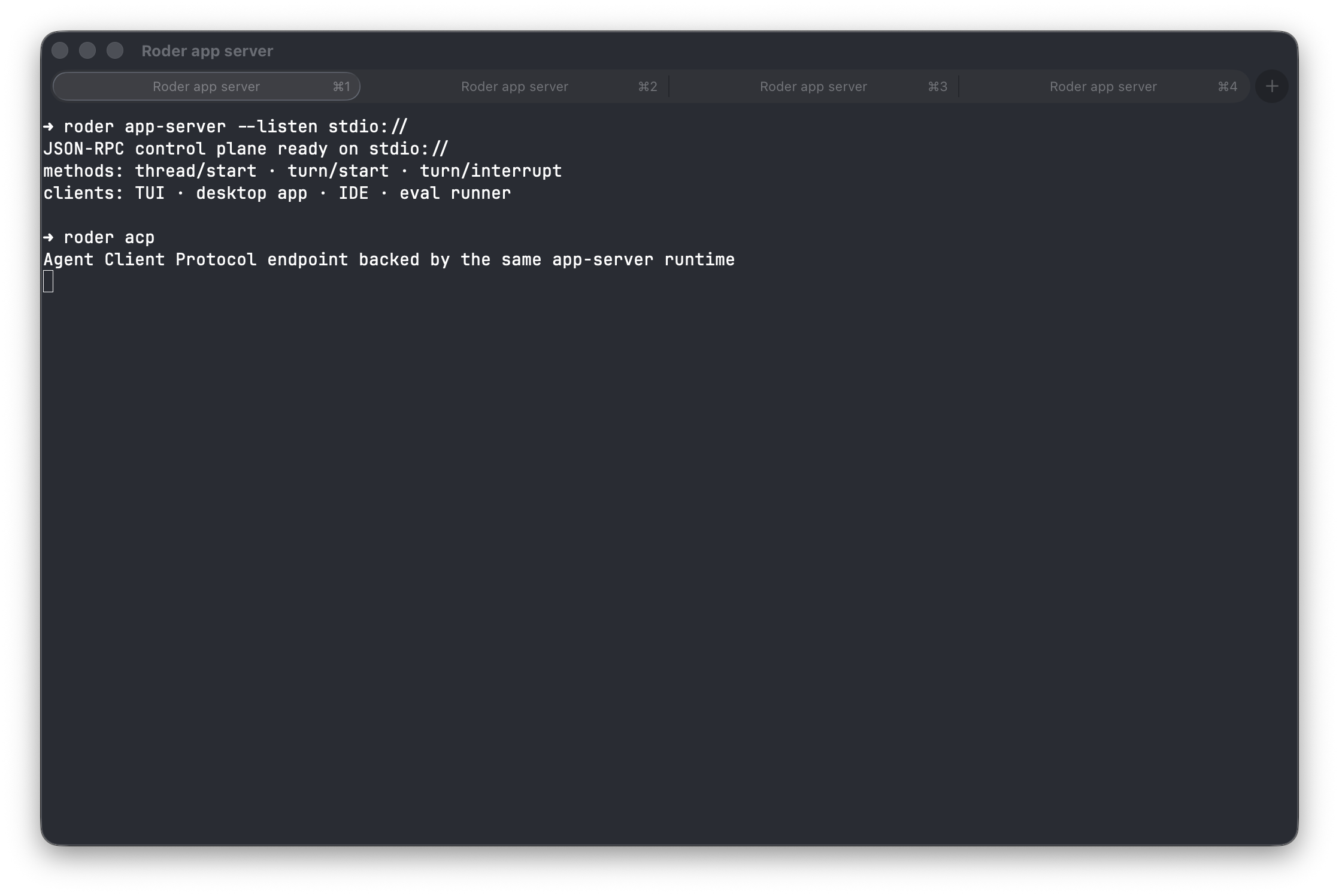
The embedded app-server gives TUI, desktop, IDE, ACP, and eval clients a shared JSON-RPC control plane.
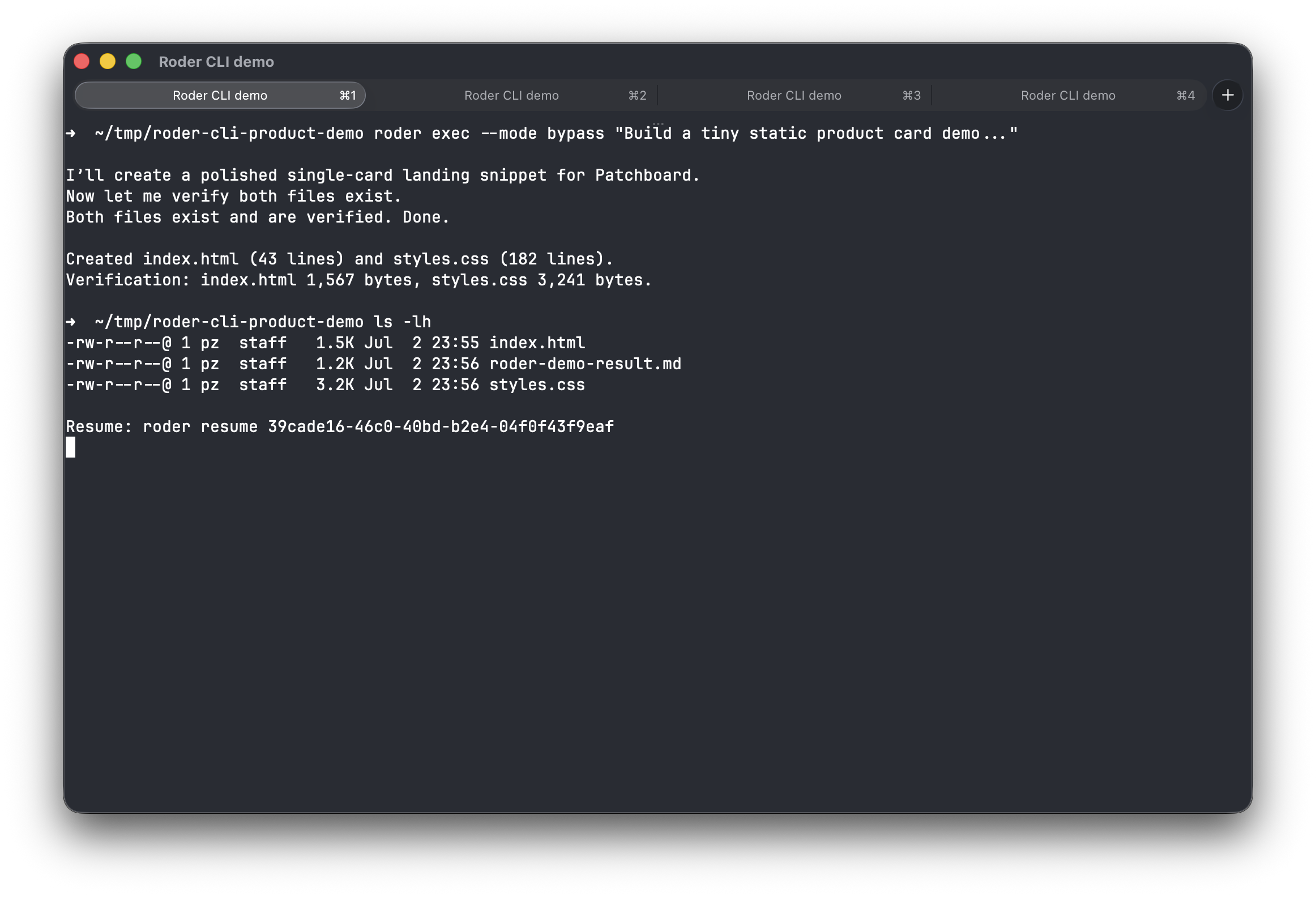
These captures use Ghostty. The build demo asked Roder to create a tiny static product card in `~/tmp`, then resumed the saved thread and checked provider/setup commands.
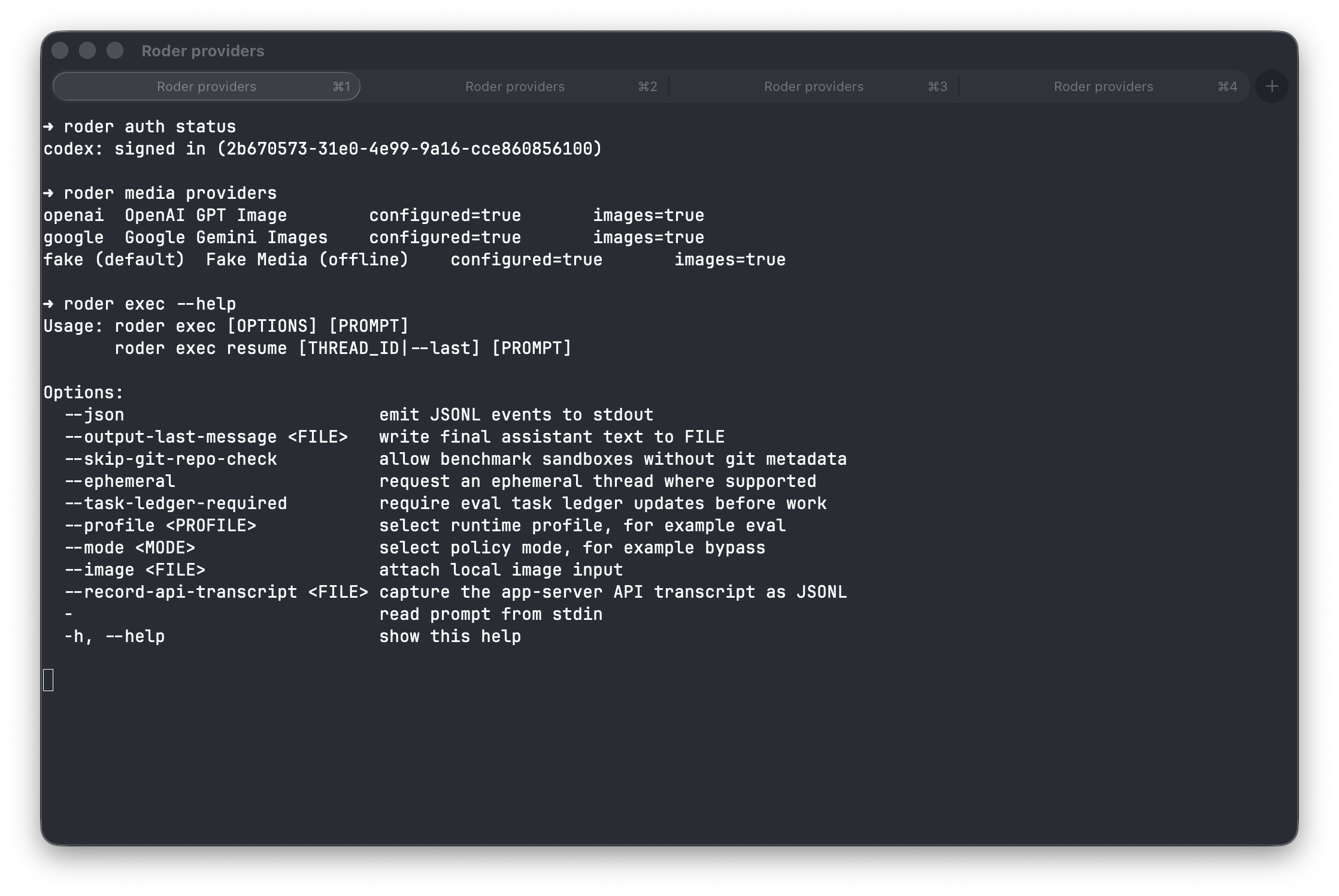
Roder model labels use `provider/model`, and the default distribution includes first-party provider integrations plus custom OpenAI-compatible provider config.
provider = "synthetic"
model = "syn:large:text"

[providers.synthetic]
api_key_env = "SYNTHETIC_API_KEY"
base_url = "https://api.synthetic.new/openai/v1"Use the full terminal UI for live development sessions. Use `roder exec` for repeatable tasks, eval harnesses, and automation. Start `roder app-server` when another local client should drive the same runtime.
roder
roder resume <thread-id>
roder exec --mode bypass "inspect this repo"
roder exec resume --last "continue"
roder app-server --listen stdio://
roder media providersOne command gets the CLI onto your path. From there, run `roder` in a workspace or use `roder exec` for direct terminal automation.