
What changed
Roder now ships a native agent-swarm mode for the CLI and runtime. A lead model can fan one task template across many items, pace launches, cap concurrency, resume existing agents, and receive an ordered result summary that separates completed, failed, and aborted work.
The mode is no longer just a TUI convention. Agent-swarm state moved into the runtime and app server, so reminders and behavior are shared by every client that talks to Roder.
Why it matters
- Large repeatable jobs no longer need to be broken up manually. You can ask Roder to run the same prompt over a list of files, issues, eval cases, or implementation slices and keep outputs tied back to the original order.
- The scheduler makes broad fanout safer in day-to-day terminals: initial burst, interval pacing, optional concurrency caps, and cooperative cancellation keep swarm work bounded.
- Runtime-level state makes the mode consistent across clients instead of hiding it inside one terminal surface.
Using agent-swarm mode
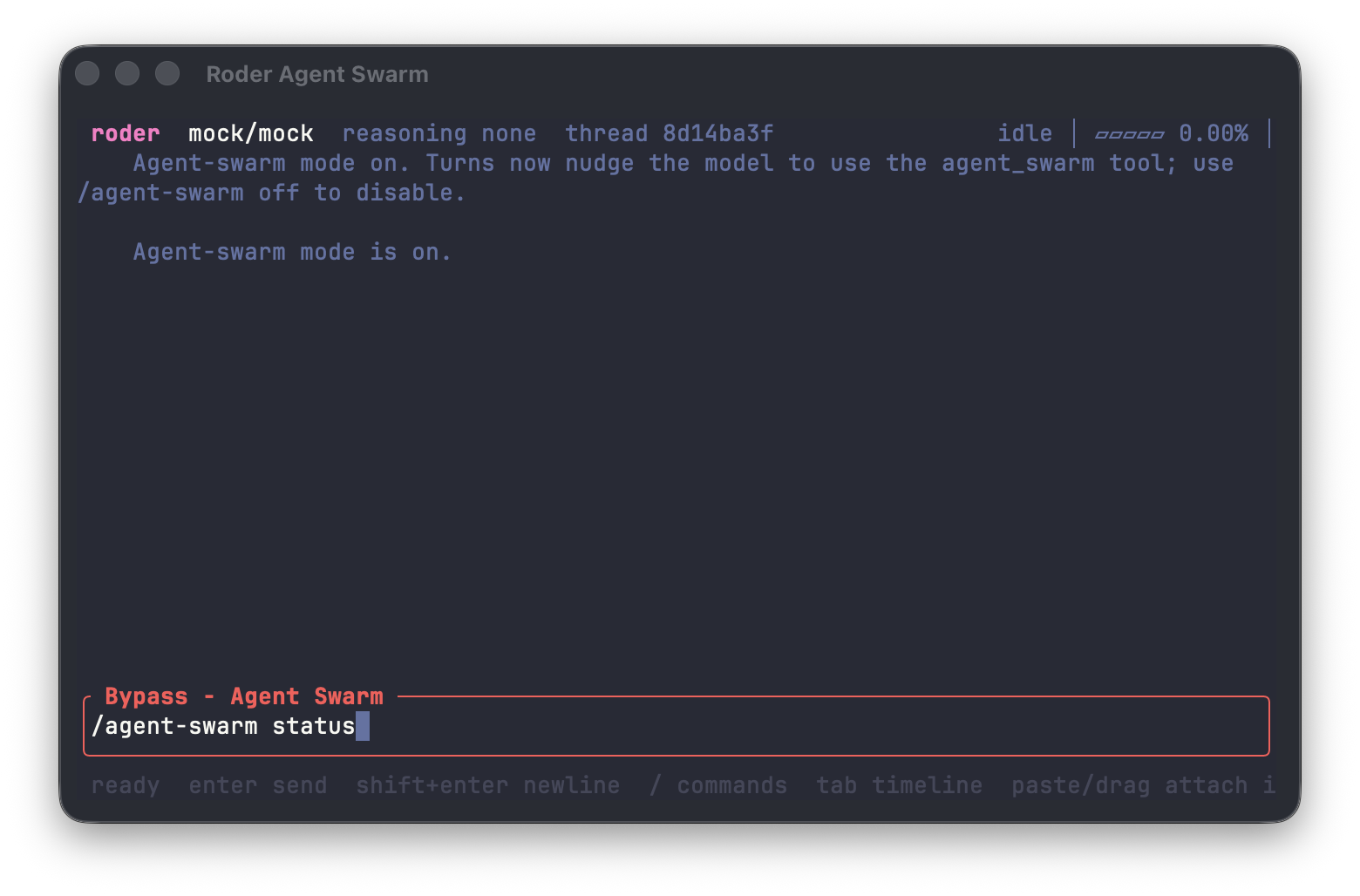
Use /agent-swarm on in the interactive TUI to enable the mode. Check the current state with /agent-swarm status, then launch parallel work with /agent-swarm <prompt> when you have a repeatable task template and a bounded set of items.
Roder keeps the results ordered, which makes reviews and follow-up work easier. You can compare each result against the original input list instead of reconstructing which background agent handled which task.