
What changed
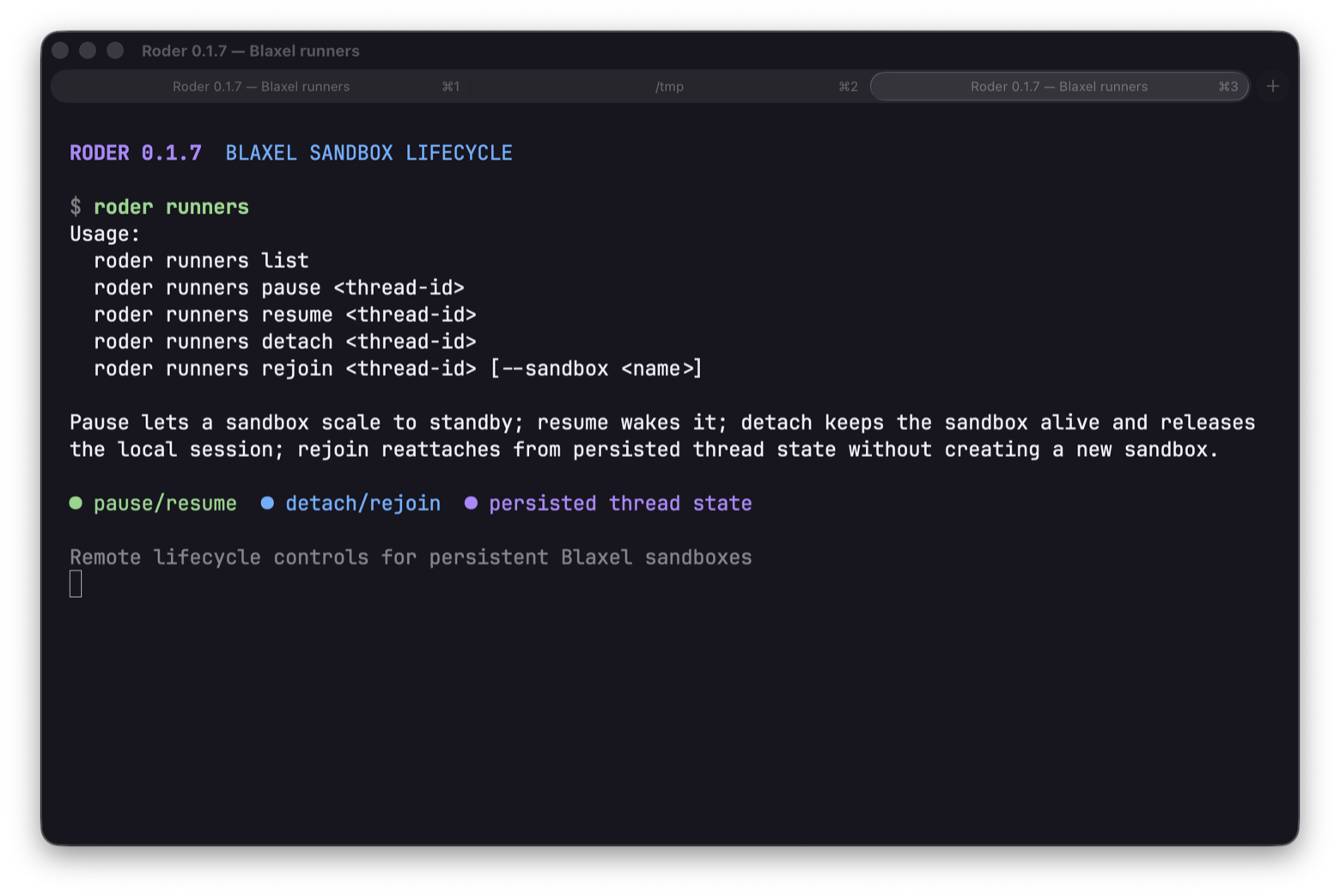
Roder 0.1.7 adds a first-party Blaxel sandbox runner and a roder runners lifecycle command surface. Selecting Blaxel routes coding tools into an isolated remote workspace, while pause, resume, detach, and rejoin let the same sandbox survive terminal exits and process restarts.
This makes remote coding sessions less disposable. A local terminal can disconnect without forcing the workspace, process environment, and associated Roder thread to be recreated from scratch.
Why it matters
- Remote work can continue in the same filesystem and process environment across separate Roder sessions.
- Detaching releases the local CLI session but keeps the Blaxel sandbox alive; rejoining restores the persisted runner-bound thread instead of starting from an empty machine.
- Pausing moves an idle sandbox toward standby and resuming brings it back when work continues, giving long-running coding tasks an explicit lifecycle control.
- Choosing Blaxel in the TUI runner picker, or setting it as
default_destination, now changes where shell and file tools execute. ConfigureBLAXEL_API_KEYorBL_API_KEYandBL_WORKSPACE; credentials stay in the environment and are not copied into thread state. - Existing runner providers keep their current behavior because lifecycle support is capability-based.
Using Blaxel runners
Open roder runners to inspect and operate runner-backed sessions. Use detach when you want the sandbox to continue without the current terminal, pause when the environment can wait in standby, and rejoin when you want to return to a persisted runner-bound thread.